
Planning a Four-Player Crew in Hood Warfare on Android
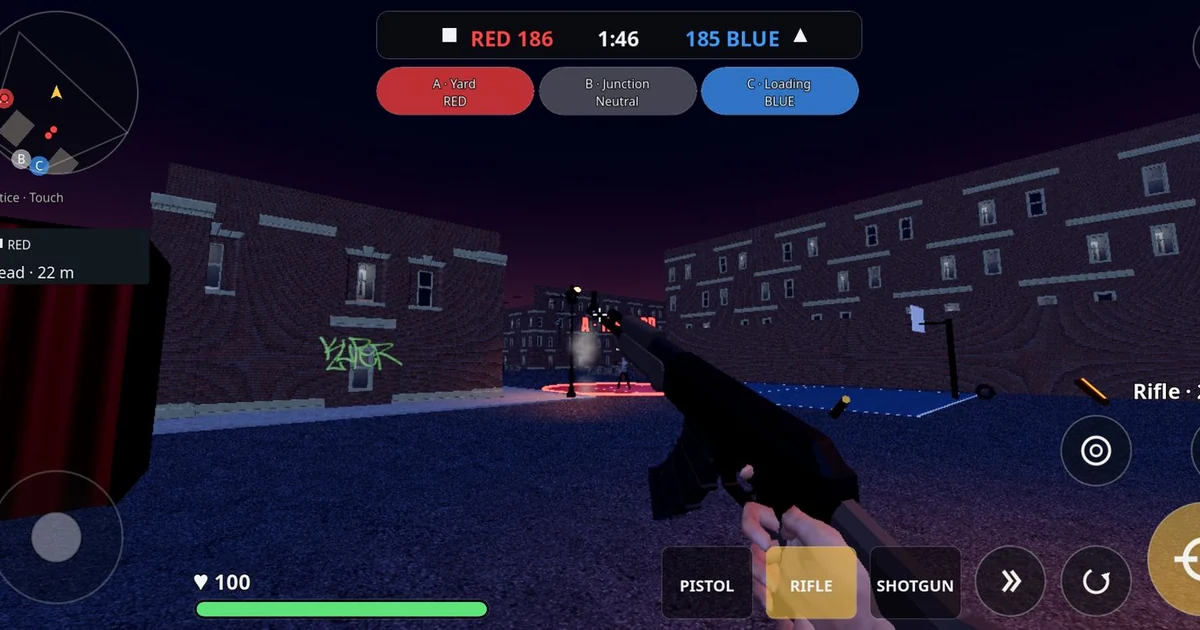
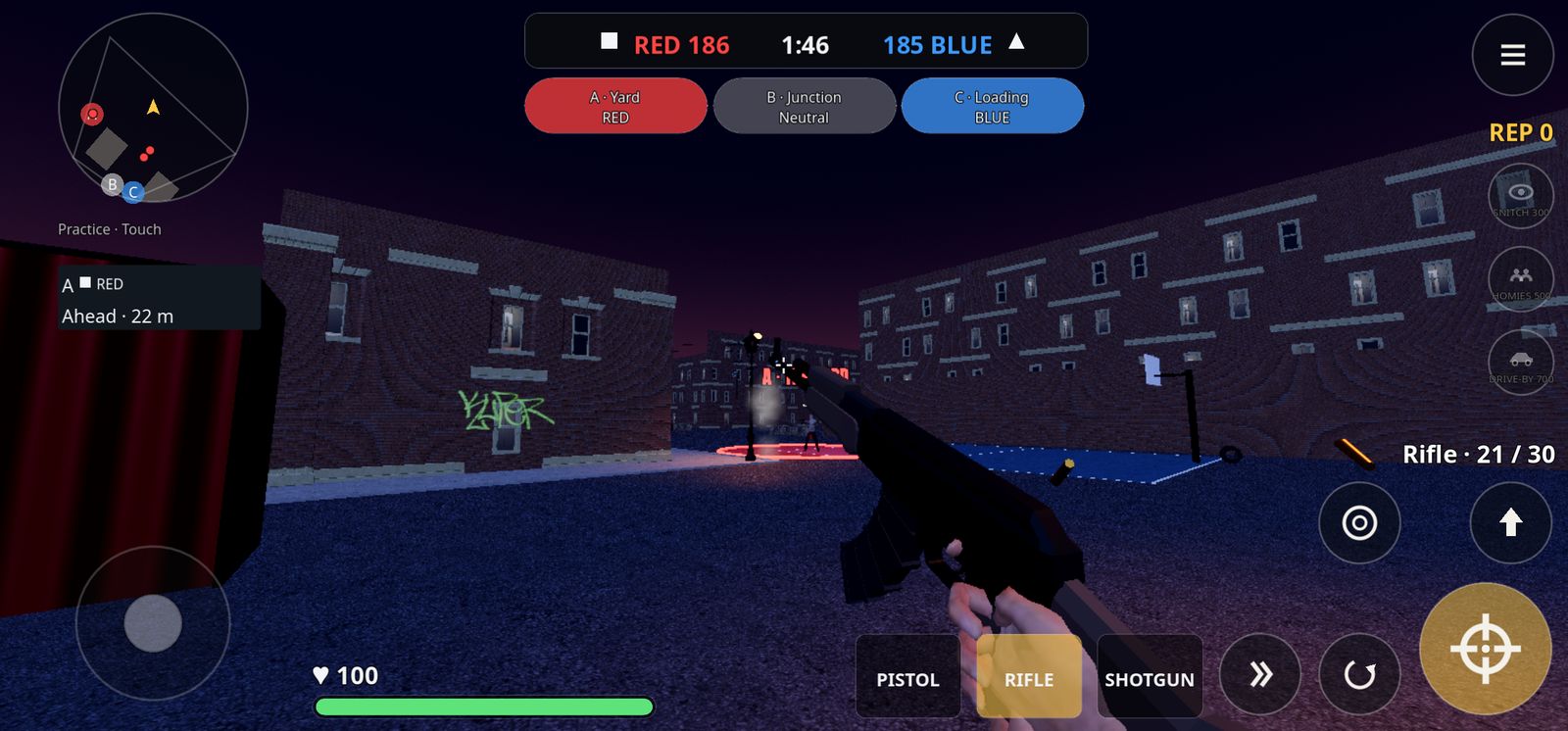
Hood Warfare is a fictional 4v4 hood turf-war shooter for Android, made by ToddMichaelTV and distributed as an APK through its official website, hoodwarfare.net. This guide is published within our owned publishing network, so treat it as coverage from a network brand rather than an independent third-party endorsement. Its focus is practical: how a four-player crew can divide roles around the three capture corners, and what to verify before you install or commit to anything.
Understanding the Three Capture Corners
Turf war in Hood Warfare pits two crews of four against each other over three corners: the Yard, the Junction and the Loading Dock. Each corner is a place to contest, and the sensible way to approach a match is to decide early which corners your crew can hold and which ones you can only pressure. A four-person team can rarely cover all three at once, so the planning question is which corner matters most in a given moment.
A useful habit is to assign each player a default lane before the match starts. One player can anchor the corner the team most needs to keep, another can rotate between the two remaining corners to answer threats, and the other two can move with whoever is in trouble. Write this down as a simple rule, such as "the anchor never leaves until the rotator calls it," so the crew is not improvising under fire.
Communication matters more than mechanics here. Short callouts like the corner name, the number of enemies seen and the direction they came from are more useful than long messages. Agree on these words before playing, because typing or speaking during a fight is slow.
Using Rep and Call-Ins Together
Players earn rep during a match and spend it on call-ins: snitch, which reveals enemies, homies, which provides AI backup, and drive-by. The official overview describes earning rep and spending it on call-ins; it does not specify whether rep is pooled. Check that behavior in the current build and agree on when to call for support. A common mistake is for every player to spend rep the moment they can, leaving nothing for the moment a corner is actually under pressure.
One workable approach is to designate a single player as the intel caller. That player uses snitch when the crew is about to move into an unfamiliar corner, and the others save their rep for homies or drive-by when a push begins. Homies are AI backup, so they are best used to support a position you intend to hold rather than to chase a retreating enemy. Drive-by is most valuable when enemies are clustered and the team can time it with a push.
Check the in-game descriptions of each call-in before you rely on them in a match, since their exact behavior is the authoritative source.
Loadouts That Fit a Crew Plan
Hood Warfare includes nine guns across pistol, rifle and shotgun slots, along with extended, taped and drum magazines, light and heavy armor, grenades and medkits. A crew does not need every player carrying the same setup. A balanced group might include one player with a rifle and heavier armor for the anchor role, one with a shotgun for close quarters at the Loading Dock, one with a rifle geared for mid-range control at the Junction, and one flexible player who carries medkits and grenades to support teammates.
The official overview lists extended, taped and drum magazines, plus light and heavy armor, without specifying handling or movement penalties. Compare the options in the current build before assigning a loadout to a crew role; observe their behavior rather than assuming a particular speed trade-off.
The RPG cannot be bought. It spawns in roof stashes and marks the carrier on radar. Because the carrier becomes visible to the other side, a crew should plan who will pick it up and what cover the team can provide. Assigning one player to escort the carrier is often better than letting the carrier wander alone.
Questions to Check Before You Install
Because Hood Warfare is distributed as an APK rather than through a store listing, the safest first step is to read the official download page yourself. The page checked on 2026-10-29 listed version v0.3.0-beta, build 74f1651, a requirement of Android 10 or newer on 64-bit devices, and an APK of approximately 290 MB. Confirm these details against your own device before installing, and confirm they still match the page when you download.
Also check the access terms. The same page checked on 2026-10-29 listed a $1 one-time online-play unlock for new players, with no subscription, and said players who joined during the beta keep free access. Terms can change, so read the current text on the official site rather than relying on this article.
Finally, separate what is available from what is coming. The official site lists Turf War as available and describes Free-for-All, Team Deathmatch and additional maps as coming in a future update. Do not plan a crew around those modes until they are actually present in the version you install. Matches also use bots to fill empty slots. No player-count, independent review or performance benchmark has been verified, so set expectations for your own device and connection.
A short pre-install checklist for a crew: confirm your Android version and device architecture, read the current access terms on the official page, note the APK version and size, and agree on who will be the intel caller and who will carry the RPG if it spawns. Working through these points together will make your first sessions more coordinated and less frustrating.